Mastering the NeoDeck: A Quick Start Guide for Festival DJs
Discover how to seamlessly integrate NeoDeck into your festival DJ setup with our comprehensive quick start guide.
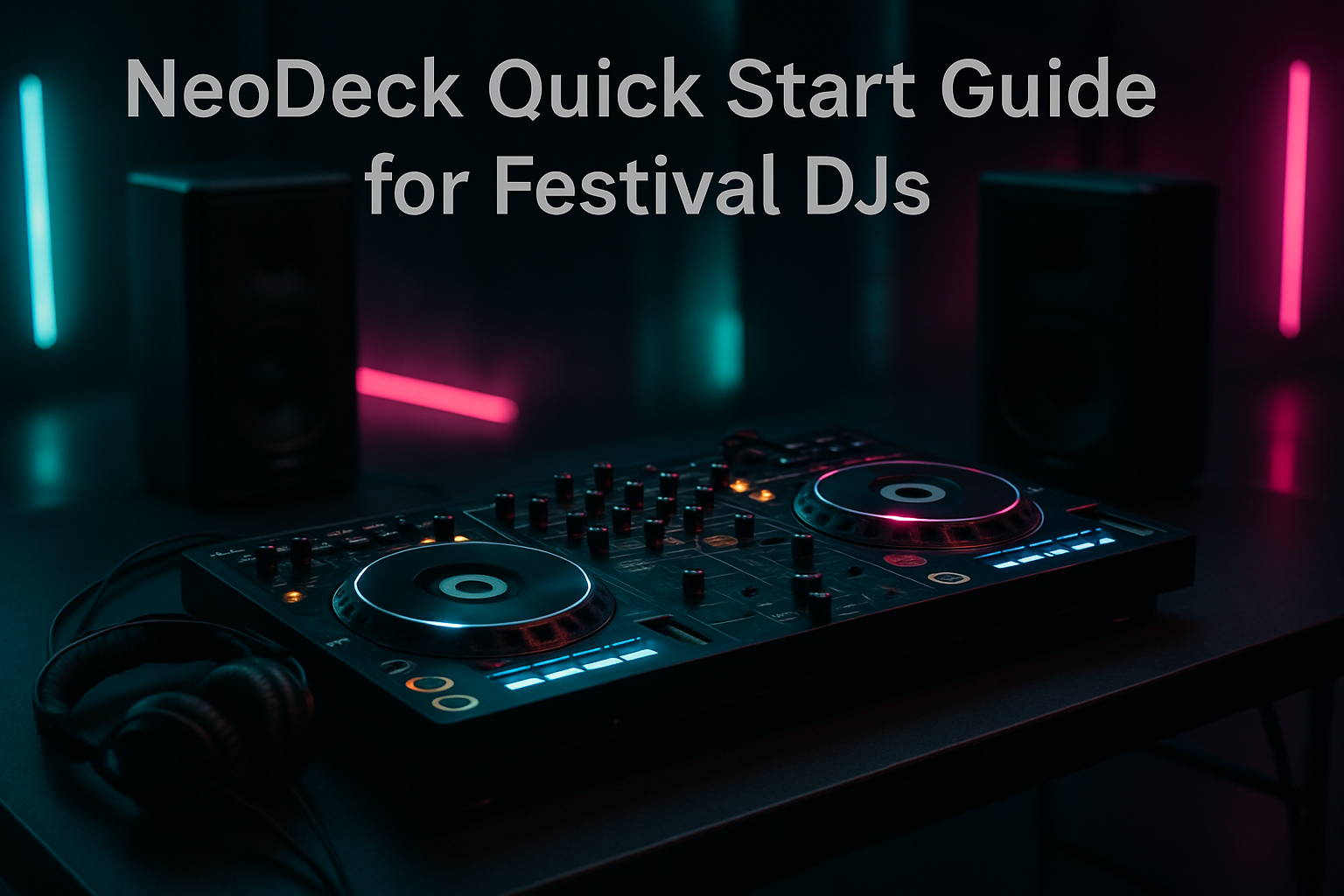
Introduction to NeoDeck for Festival DJs
The NeoDeck is revolutionizing the DJ booth with its ultra-compact, fanless design and lightning-fast performance. For festival DJs, this standalone computer offers a streamlined experience, eliminating the need for bulky laptops while integrating seamlessly with major DJ controllers. This guide will walk you through setting up your NeoDeck quickly and efficiently so you can focus on delivering an unforgettable performance.
Unboxing and Initial Setup
When your NeoDeck arrives, it’s important to ensure that all components are present. The box should include the NeoDeck unit, a power adapter, and a quick start guide. Begin by connecting the NeoDeck to a power source using the provided adapter. With its fanless, passively cooled design, the NeoDeck ensures silent operation, crucial for festival environments where sound clarity is paramount.
Connecting to Your DJ Controller
The NeoDeck is compatible with all major DJ controllers through USB-C, offering plug-and-play functionality with brands like Pioneer, Numark, and Denon. Simply connect your controller to the NeoDeck using a USB-C cable. The pre-loaded DJ software will automatically recognize your controller, allowing you to dive straight into your set without any additional configuration.
Booting Up the NeoDeck
One of the standout features of the NeoDeck is its ability to boot in under 8 seconds. This efficiency is made possible by its custom Linux-based real-time OS designed specifically for DJs. Once powered on, the NeoDeck launches directly into the DJ software, making it faster to get started than traditional laptop setups.
Interfacing with the Touchscreen
The NeoDeck’s 10" IPS touchscreen display offers responsive touch capabilities, allowing for intuitive control over your set. Familiarize yourself with the touchscreen interface, which includes features such as track selection, tempo adjustment, and effects control, all easily accessible.
Setting Up Your Audio Outputs
The built-in professional audio interface on the NeoDeck provides dual stereo outputs, ensuring high-quality sound for both your main output and booth monitor. Connect your main output to the festival’s sound system and your booth output to your personal monitor. This dual-output capability is essential for monitoring your mix and adjusting in real-time.
Customizing Your NeoDeck Experience
While the NeoDeck comes pre-loaded with DJ software, customization is key to making it work best for you. Spend time exploring the settings and preferences to tailor the software to your performance style. Adjust crossfader curves, set cue points, and explore the range of effects available. These customizations can be saved for future performances, ensuring consistency across gigs.
Maintaining Your NeoDeck
Given its robust construction and lack of moving parts, the NeoDeck requires minimal maintenance. However, regular software updates are crucial to keep your system optimized. The NeoDeck’s real-time OS allows for seamless updates, ensuring that you always have the latest features and security patches.
Conclusion: Elevate Your Festival Performances
The NeoDeck is designed to enhance your performance capabilities, providing a reliable, efficient platform from which to deliver unforgettable experiences. By following this quick start guide, you can integrate the NeoDeck into your DJ setup smoothly, allowing you to focus on what truly matters: your music. With the NeoDeck, festival DJs have a powerful tool at their disposal, setting a new standard for live performances worldwide.
Ready to upgrade your DJ setup?
Join thousands of DJs on the waitlist for NeoDeck — the purpose-built DJ computer.
Get Early Access