Mastering DJ Monitor Setup for Optimal Sound Quality
Discover essential tips to perfect your DJ monitor setup and elevate your sound experience.
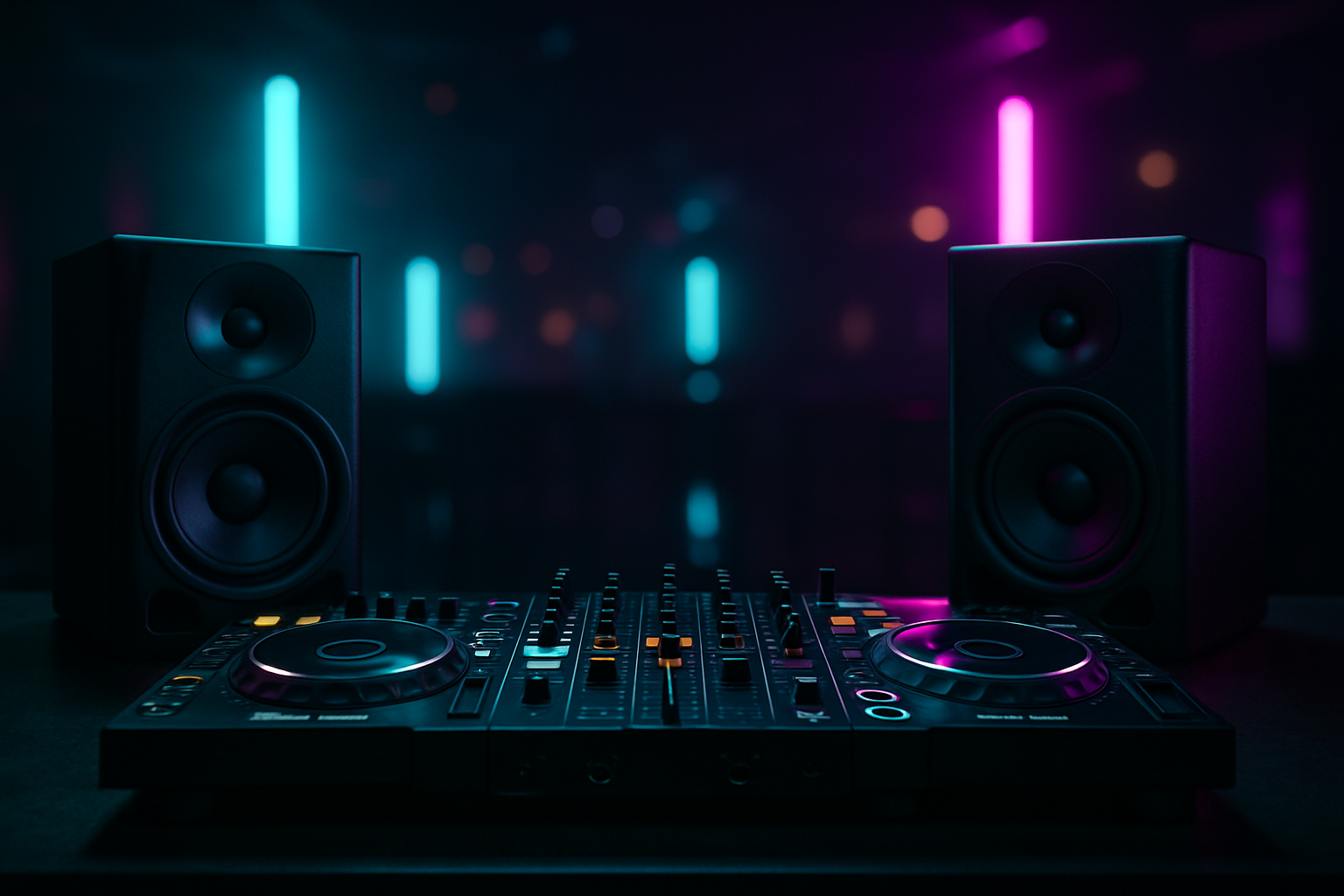
Understanding the Importance of DJ Monitors
As any seasoned DJ will attest, the right monitor setup can make or break a performance. Monitors serve as your sonic feedback loop, allowing you to hear exactly what your audience hears. This is crucial for beatmatching, EQ adjustments, and ensuring your mix sounds impeccable. For those using advanced equipment like the NeoDeck, which offers dual stereo outputs, optimizing your monitor setup becomes even more seamless and effective.
Choosing the Right Monitors
Selecting the ideal monitors involves more than just picking the most expensive option. Factors such as room size, acoustics, and personal preference play significant roles. Here are some tips for choosing the right monitors:
- Room Size: In smaller spaces, compact monitors with precise sound are preferable. Larger venues require more powerful monitors to fill the space effectively.
- Frequency Range: Look for monitors with a wide frequency range to ensure you can hear both the low-end bass and the high-end treble.
- Active vs. Passive: Active monitors have built-in amplifiers, making them easier to set up and often more reliable for live performances.
Setting Up Your Monitors
Proper setup is key to achieving optimal sound. Here is a step-by-step guide:
- Positioning: Place your monitors at ear level, forming an equilateral triangle with your head. This positioning helps in achieving a balanced stereo image.
- Distance from Walls: Avoid placing monitors too close to walls, as this can cause bass frequencies to become exaggerated. A distance of at least a foot is recommended.
- Angles: Slightly angle the monitors towards your ears. This ensures that you’re hearing the direct sound rather than reflections.
Utilizing Technology for Better Sound
Incorporating technology like the NeoDeck can streamline your monitor setup. With its built-in professional audio interface, connecting to your monitors is straightforward, reducing the need for external devices and cables. The NeoDeck also supports USB-C plug-and-play compatibility with popular DJ controllers, making integration simple.
Sound Calibration and Testing
Once your monitors are set up, calibration is the next step. Here are some tips:
- Use Calibration Software: Software tools can help analyze the acoustics of your room and adjust the monitor output accordingly.
- Test with Familiar Tracks: Play tracks you know well to identify any discrepancies in sound.
- Adjust EQ Settings: Fine-tune your EQ settings based on the acoustics of the room and your personal preference.
Common Mistakes to Avoid
Even experienced DJs can fall into common pitfalls. Here are mistakes to avoid:
- Overpowering the Room: Too much volume can lead to distortion and listener fatigue.
- Ignoring Room Acoustics: Every room sounds different. Failing to account for this can result in poor sound quality.
- Neglecting Regular Maintenance: Regularly check and maintain your equipment to avoid unexpected issues during performances.
Final Thoughts
Achieving optimal sound with your DJ monitor setup is a blend of choosing the right equipment, proper setup, and ongoing adjustments. Leveraging devices like the NeoDeck can simplify this process, providing reliable performance and seamless integration. Remember, the goal is to create an immersive sound experience that engages your audience and elevates your performance.
Ready to upgrade your DJ setup?
Join thousands of DJs on the waitlist for NeoDeck — the purpose-built DJ computer.
Get Early Access