NeoDeck Quick Start Guide: Elevate Your Wedding DJ Sets
Master the art of wedding DJing with NeoDeck's quick start guide. Optimize your performance effortlessly.
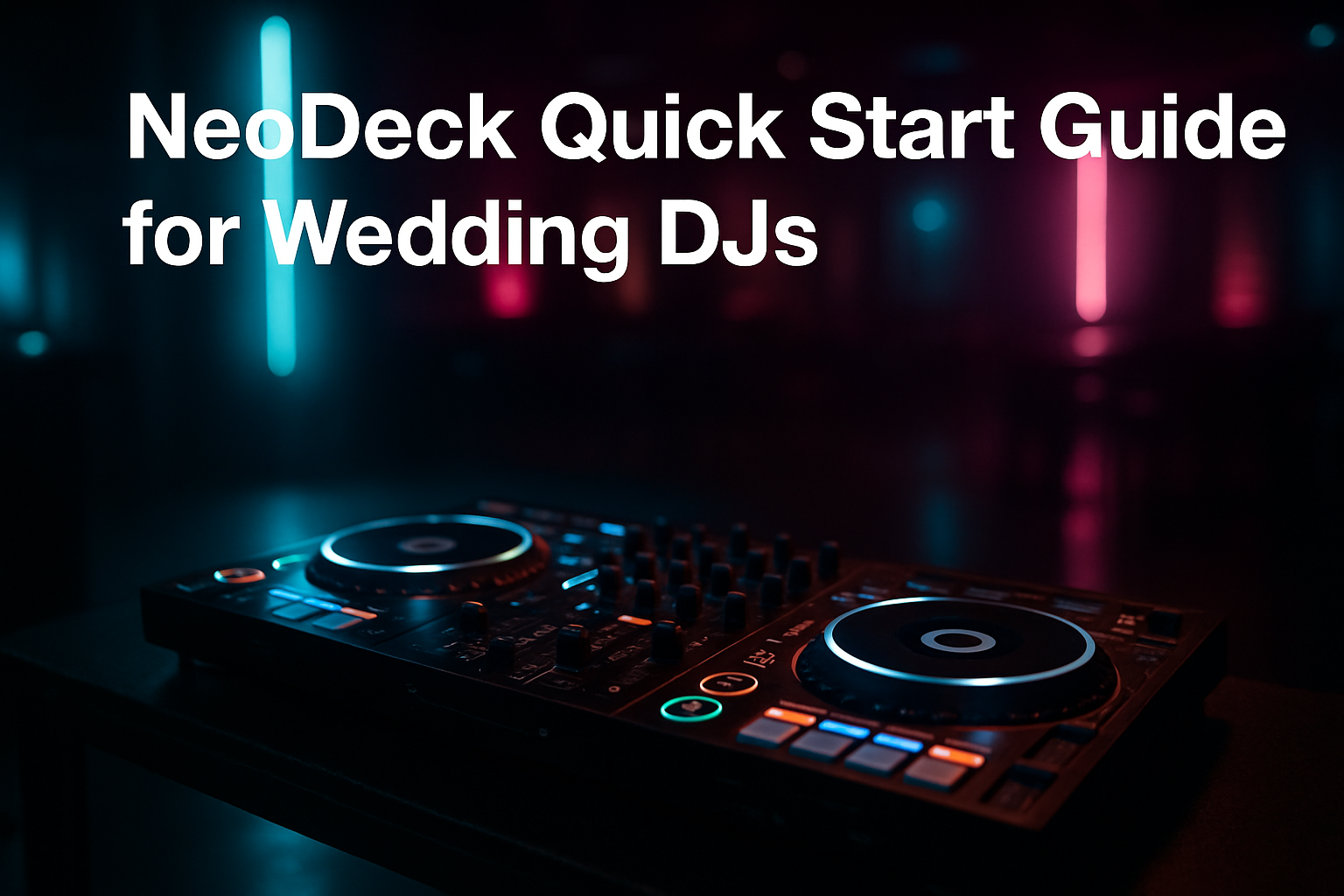
Introduction to NeoDeck for Wedding DJs
As a wedding DJ, your role is pivotal in creating a memorable experience for the couple and their guests. The NeoDeck, with its ultra-compact design and robust functionality, simplifies your setup and enhances your performance. In this guide, we’ll walk you through the essential steps to get started with NeoDeck, ensuring your wedding gigs are both seamless and spectacular.
Setting Up Your NeoDeck
Setting up the NeoDeck is a breeze, thanks to its intuitive design. Follow these steps to get started quickly:
- Unpack and Inspect: Start by unpacking your NeoDeck and ensuring all components are present. Check the device for any visible damage during transit.
- Power Up: Connect the NeoDeck to a power source. Its fanless, passively cooled architecture ensures silent operation, ideal for wedding settings.
- Connect Your Controller: Use a USB-C cable to connect your preferred DJ controller. NeoDeck supports all major brands like Pioneer, Numark, and Denon, ensuring seamless integration.
Booting and Software Initialization
The NeoDeck is designed to get you spinning tracks in under 8 seconds. Here’s how:
Upon powering up, the NeoDeck boots directly into its pre-loaded DJ software, thanks to its custom Linux-based OS. This real-time operating system is optimized for performance, allowing you to jump straight into your music library without delay.
“Efficiency is key at weddings; every moment counts. NeoDeck’s rapid boot time is a game-changer.”
Fine-Tuning Audio Settings
Audio quality can make or break a wedding DJ set. The NeoDeck comes equipped with a professional audio interface, offering dual stereo outputs. Here’s how to configure them:
- Master Output: Connect the master output to the venue’s sound system. Ensure the levels are balanced to prevent distortion.
- Booth/Monitor Output: Use the booth output for your own monitors. This helps you hear exactly what the audience is experiencing, allowing for better mixing.
Optimizing Your Playlist
With the NeoDeck’s efficiency, you have more time to focus on curating the perfect playlist. Here are some tips:
- Read the Crowd: Monitor the dance floor and adjust your playlist in real-time based on the crowd’s response.
- Mix Genres: Weddings often have diverse guest lists. Mix different genres to cater to all tastes.
- Prepare Backup Tracks: Always have a set of backup tracks ready in case of unexpected requests or mood changes.
Troubleshooting Common Issues
No setup is foolproof, but with NeoDeck, troubleshooting is straightforward:
If you encounter connectivity issues with your controller, ensure all cables are securely connected. The USB-C interface on NeoDeck is designed for robust compatibility, but checking for firmware updates on your controller can also resolve potential issues.
Conclusion: Elevate Your Wedding DJ Experience
The NeoDeck is more than just a piece of equipment; it’s a vital part of your toolkit as a wedding DJ. Its compact design, rapid setup, and professional-grade features allow you to focus on what truly matters: the music and the memories you create. By following this guide, you can ensure that every event you play at is not only successful but unforgettable. Embrace the future of DJing with NeoDeck and let your performances shine.
Ready to upgrade your DJ setup?
Join thousands of DJs on the waitlist for NeoDeck — the purpose-built DJ computer.
Get Early Access