Mastering the Art of Quick DJ Setup: Get Ready in Under 5 Minutes
Discover practical tips to streamline your DJ setup time to under 5 minutes with expert advice and efficient equipment solutions.
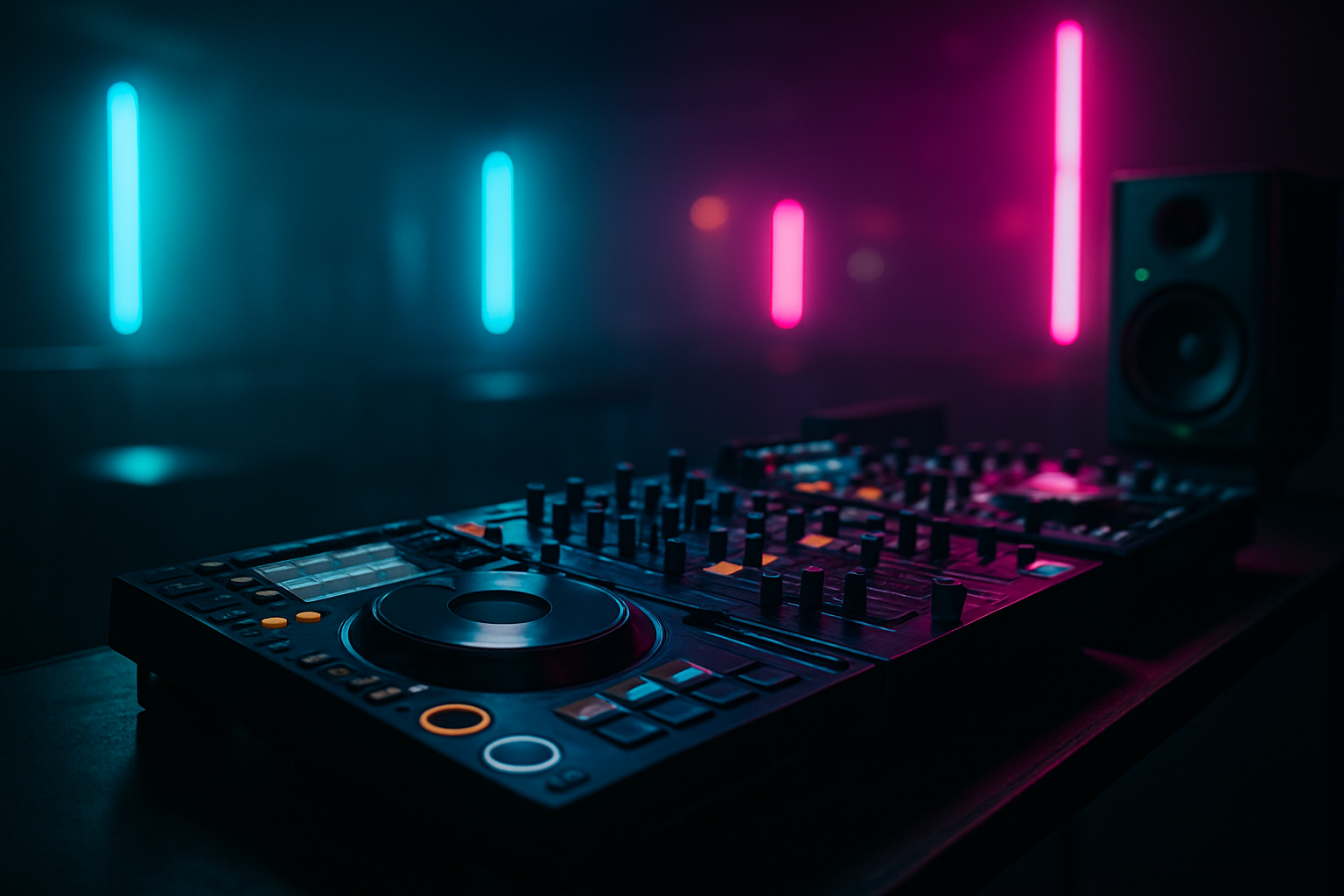
In the fast-paced world of DJing, every second counts. Whether you're preparing for a live gig or setting up for a virtual event, optimizing your setup time can make a significant difference. This guide will provide you with actionable strategies to streamline your DJ setup process, enabling you to be performance-ready in under five minutes.
Understanding Your Equipment
The first step to reducing setup time is a thorough understanding of your equipment. Familiarize yourself with the components you use regularly, such as controllers, audio interfaces, and software. Knowing the ins and outs of your gear allows you to troubleshoot quickly and ensures a smoother setup process.
Why NeoDeck Is a Game Changer
The NeoDeck, a purpose-built standalone DJ computer, can significantly reduce your setup time. With its ultra-compact design and ability to boot in under eight seconds directly into DJ software, it eliminates the need for cumbersome laptops and reduces the number of cables required.
Pre-Gig Preparation
Preparation is key to a quick setup. Here are some steps to ensure you are ready before you even arrive at the venue:
- Organize Your Music Library: Use DJ software to categorize tracks into easily accessible playlists.
- Check Your Gear: Ensure that all equipment is functioning correctly and charge any battery-operated devices.
- Pack Smartly: Use a dedicated DJ bag or case where everything has a designated place.
Efficient Cable Management
Cables are often the biggest time-consuming element during setup. Here's how to manage them efficiently:
- Label Your Cables: Use color-coded tags or labels to quickly identify each cable's purpose.
- Pre-Connect at Home: If possible, connect your gear at home and transport it as a unit.
- Use Velcro Straps: Keep cables tidy and prevent tangling with Velcro straps.
NeoDeck's USB-C plug-and-play capability with major DJ controllers further simplifies cable management, minimizing the number of connections needed.
Streamlining Software Setup
Software setup is another area where time can be saved:
- Automate Startup: Configure your DJ software to load playlists automatically upon startup.
- Use Pre-Made Templates: Save your preferred settings as templates to avoid reconfiguring each time.
- Optimize Software Settings: Disable unnecessary features to speed up software loading times.
The NeoDeck comes pre-loaded with DJ software on a custom Linux-based real-time OS, ensuring that your system is optimized for performance from the moment it starts.
Setting Up On-Site
When you arrive at the venue, these tips will help you quickly get set up:
- Scout the Location: Identify power sources and ensure the DJ booth is ready for your equipment.
- Follow a Routine: Develop a consistent sequence for connecting your gear to avoid forgetting steps.
- Test Sound Levels: Quickly test sound levels to ensure they're balanced and clear.
Post-Performance Efficiency
Efficient breakdown and packing can set you up for your next gig:
- Disconnect Thoughtfully: Disconnect cables in reverse order to maintain organization.
- Use a Checklist: Double-check that all gear is accounted for before leaving.
- Reflect and Adjust: After each gig, reflect on the setup process and identify areas for improvement.
By applying these strategies and leveraging innovative tools like the NeoDeck, you can transform your DJ setup into a seamless and efficient process. With practice, setting up in under five minutes will become second nature, leaving you more time to focus on what truly matters—delivering an unforgettable performance.
Ready to upgrade your DJ setup?
Join thousands of DJs on the waitlist for NeoDeck — the purpose-built DJ computer.
Get Early Access