Maximizing the NeoDeck: Sharing One Device Between Two DJs
Learn how to effectively share a NeoDeck between two DJs for seamless transitions and collaborative performances.
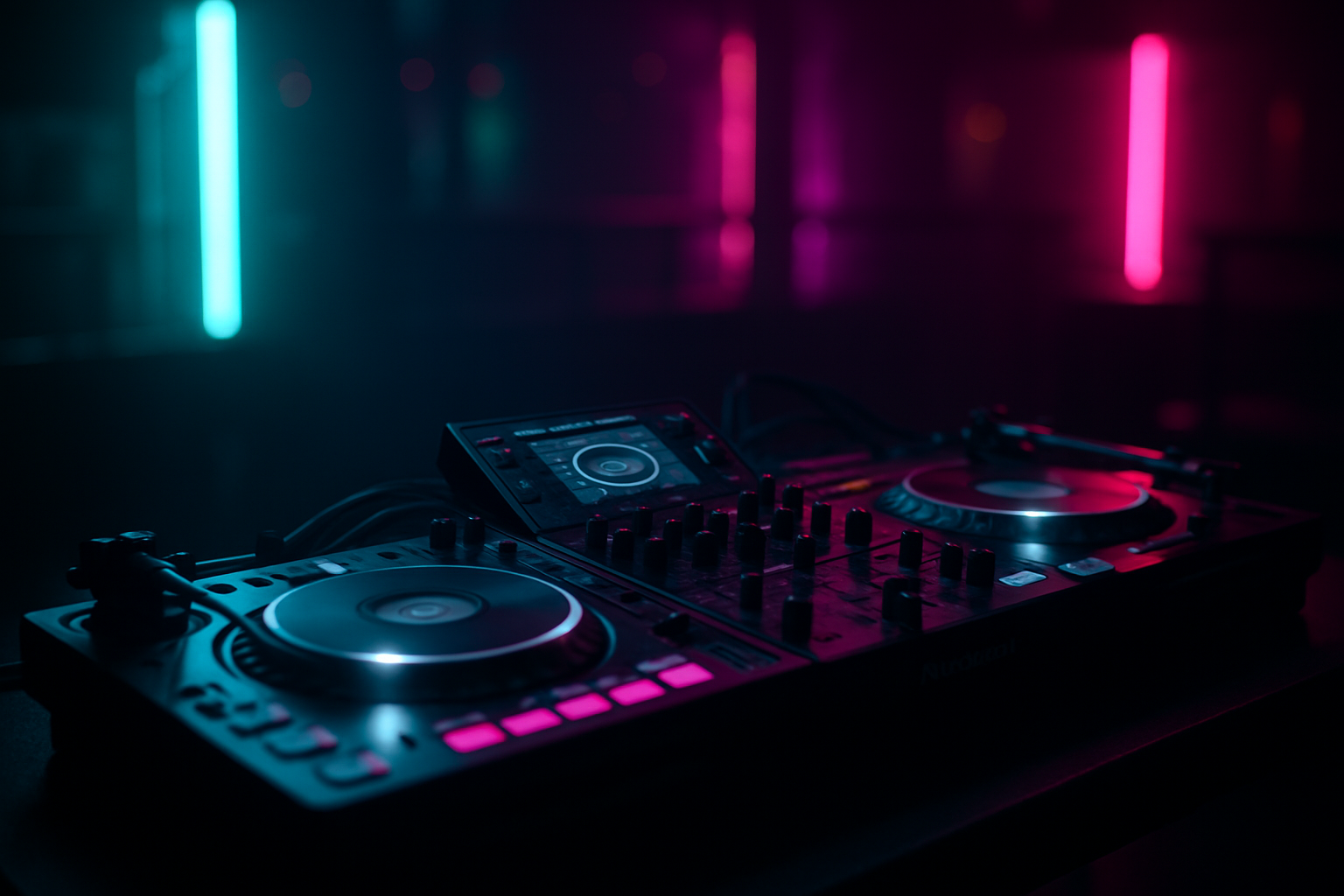
Introduction to Sharing a NeoDeck
In the world of DJing, collaboration is often the key to creating electrifying performances. Whether you're planning a back-to-back set or simply sharing a booth, knowing how to efficiently share a NeoDeck can be a game-changer. The NeoDeck, with its compact design and powerful features, is perfect for DJs looking to streamline their setup without sacrificing functionality. This guide will walk you through the practical steps and strategies for sharing one NeoDeck between two DJs seamlessly.
Understanding the NeoDeck's Capabilities
Before diving into the logistics of sharing, it’s crucial to understand what makes the NeoDeck an ideal choice for collaborative DJing. With its ultra-compact, fanless design and a 10-inch IPS touchscreen, the NeoDeck is built for performance and portability. It boots directly into its DJ software in under 8 seconds, ensuring that switching between DJs is quick and efficient. Equipped with a built-in professional audio interface and dual stereo outputs, the NeoDeck allows for easy control over both the master and booth/monitor outputs, minimizing the need for additional gear. This makes it easier to manage sound levels during transitions between DJs.
Setting Up for a Dual-DJ Performance
To start, ensure your NeoDeck is placed centrally in the booth for easy access by both DJs. Connect the NeoDeck to your DJ controllers via USB-C, which is plug-and-play with all major brands like Pioneer, Numark, and Denon. This compatibility simplifies setup and reduces downtime during DJ switches.
Each DJ should have a clear understanding of the NeoDeck’s interface and the pre-loaded DJ software. Spend a few minutes before the set to familiarize yourselves with its layout and features. This includes knowing how to quickly load tracks, manage playlists, and adjust settings.
Creating a Seamless Transition
One of the keys to a successful shared performance is mastering the art of the transition. Here are the steps to ensure smooth handovers:
- Track Selection: Pre-plan your track transitions. Use the NeoDeck's intuitive interface to set cue points and ensure that both DJs know which tracks will be used during the switch.
- Volume Control: Use the NeoDeck's dual outputs to manage volume levels between the master and monitor channels. This allows the incoming DJ to prepare their track without disturbing the current mix.
- Visual Cues: Utilize the 10-inch touchscreen to set visual markers or notes. This can help both DJs stay in sync and aware of the next steps in their performance.
Optimizing Performance with Real-Time OS
The NeoDeck’s custom Linux-based real-time operating system ensures that both DJs can enjoy a lag-free experience, even during complex transitions. This OS is optimized for quick track loading and minimal latency, which is vital when two DJs are sharing a single device. Make sure that both DJs are comfortable with the OS’s features, as this will enhance the overall flow of the performance.
Communication and Coordination
Effective communication is essential when two DJs are sharing a NeoDeck. Here are some tips to maintain coordination:
- Pre-Set Planning: Discuss and plan the set in advance, deciding on roles and responsibilities for each segment.
- On-the-Fly Adjustments: Be prepared to adapt to the crowd's reaction. Use headphones to monitor the mix and communicate any necessary changes to your partner.
- Body Language: Develop non-verbal signals to communicate during the performance, allowing for seamless interactions without disrupting the flow.
Post-Performance Review
After the gig, take time to review the performance with your fellow DJ. Discuss what worked well and what could be improved for future collaborations. Use this feedback to tweak your approach, ensuring an even smoother experience next time you share a NeoDeck.
In conclusion, sharing a NeoDeck between two DJs can elevate your performances, offering new creative possibilities and enhancing your connection with the audience. By understanding the device's capabilities, planning effectively, and maintaining open communication, you can create a dynamic and memorable DJ set. So, embrace the power of the NeoDeck and start creating magic together!
Ready to upgrade your DJ setup?
Join thousands of DJs on the waitlist for NeoDeck — the purpose-built DJ computer.
Get Early Access