Streamline Your DJ Setup: Effective Cable Labeling Tips
Label cables efficiently for quicker DJ load-ins. Discover practical tips to save time and hassle.
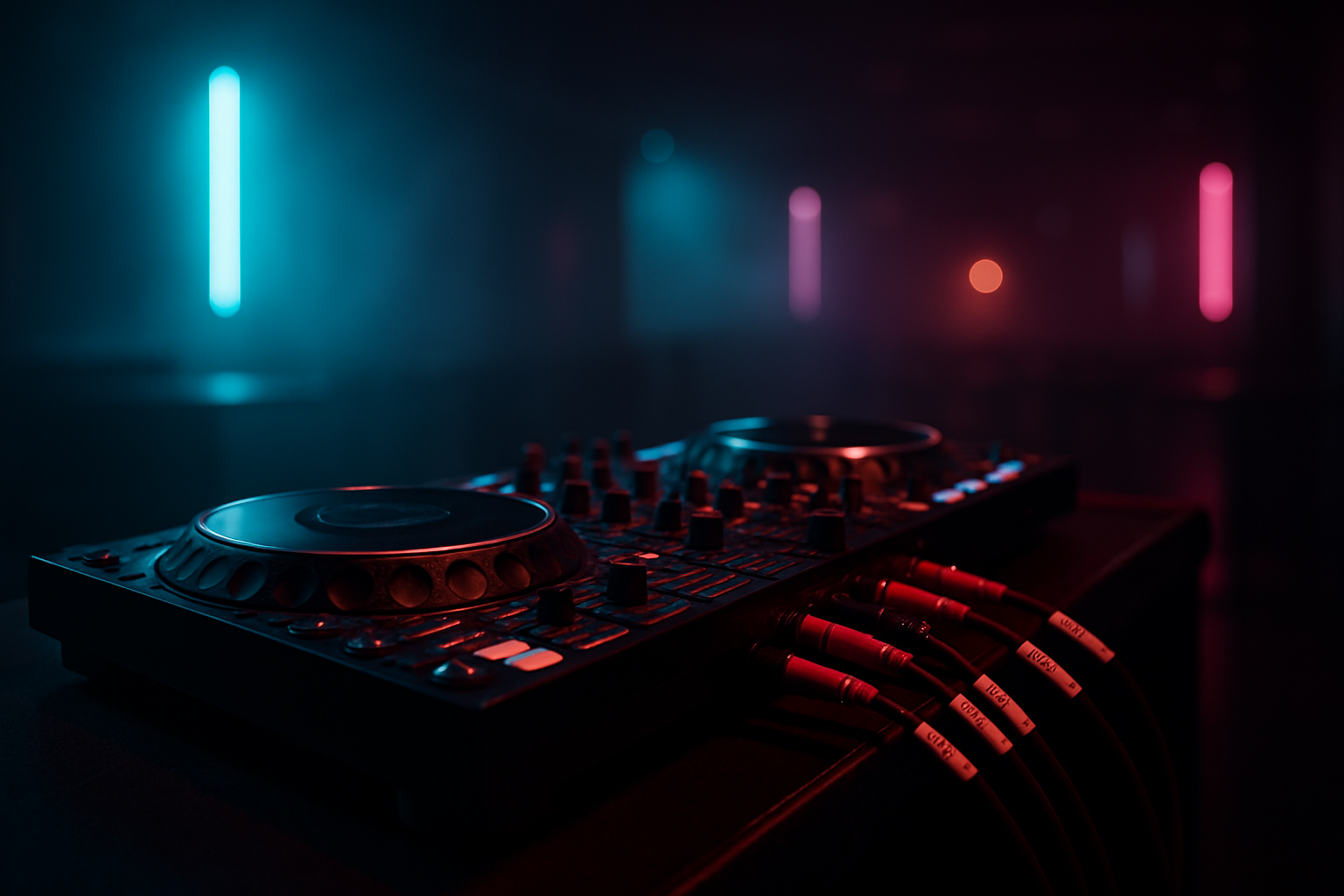
Introduction: The Importance of Cable Organization
For DJs, efficiency during setup and teardown is crucial. An organized cable system not only saves time but also minimizes stress, allowing you to focus more on your performance. Proper cable labeling is an often-overlooked aspect that can significantly enhance your setup routine. In this article, we’ll explore effective methods for labeling cables that can streamline your DJ load-in process.
Why Labeling Cables Matters
The DJ booth is a hub of connections—audio, power, USB, and more. Each connection plays a critical role in your setup. Without a clear labeling system, you might encounter setup delays, technical hiccups, or even damage your equipment due to incorrect connections. Labeling cables ensures that each component is easily identifiable, reducing the margin for error during your live performance.
Essential Tools for Cable Labeling
Before diving into the labeling process, ensure you have the right tools on hand:
- Label Maker: Invest in a quality label maker that offers durable, weather-resistant labels.
- Cable Ties: Use color-coded cable ties to further distinguish different types of cables.
- Permanent Markers: For quick labeling tasks, a fine-tip permanent marker works well.
- Heat Shrink Tubing: This can be used for a semi-permanent labeling solution.
Cable Labeling Techniques
There are several methods to label cables effectively:
1. Text Labels
Create clear, concise text labels using a label maker. Ensure the text is large enough to read easily in dim lighting. Include essential information like the cable type (e.g., XLR, RCA) and its purpose (e.g., Main Output, Monitor).
2. Color Coding
Assign a color to each cable type or purpose. Use colored cable ties or heat shrink tubing to maintain consistency. For example, all audio cables could be red, while power cables are blue. This visual cue simplifies identification, especially when you're in a hurry.
3. Numbering System
For more complex setups, a numbering system can be effective. Number each cable and keep a corresponding list or diagram that details the connection path. This method is particularly useful for extensive live performances or multi-setup gigs.
Implementing a Labeling System
Once you’ve chosen your labeling methods, implement them systematically:
- Audit Your Cables: Gather all the cables you typically use and sort them by type and length.
- Label Both Ends: Attach labels to both ends of each cable to ensure they’re identifiable no matter where you’re plugging them in.
- Create a Setup Map: Document your cable layout in a diagram. This serves as a quick reference to ensure everything is connected correctly.
- Regular Maintenance: Periodically check your labels for wear and tear, replacing them as necessary to maintain clarity.
Leveraging NeoDeck for a Simplified Setup
The NeoDeck, with its ultra-compact, fanless design and built-in professional audio interface, can significantly reduce the amount of gear needed in your DJ booth. By integrating a NeoDeck into your setup, you can minimize cable clutter, as it connects seamlessly with all major DJ controllers via USB-C. This reduces the number of different cables and types you need to manage, making your labeling system even more straightforward.
Conclusion: Make Your Setup Effortless
Efficient cable labeling is a small investment of time that can pay huge dividends in terms of setup speed and performance reliability. By organizing your cables with a consistent labeling system and leveraging equipment like the NeoDeck, you can ensure a faster, smoother load-in at every gig. Remember, the less you have to worry about technical details, the more you can focus on delivering an unforgettable performance.
"Efficiency is doing things right; effectiveness is doing the right things." - Peter Drucker
By adopting these strategies, you'll not only streamline your workflow but also enhance the overall quality of your DJing experience.
Ready to upgrade your DJ setup?
Join thousands of DJs on the waitlist for NeoDeck — the purpose-built DJ computer.
Get Early Access