Mastering Club Setups: Connecting NeoDeck to a Club Mixer
Learn how to seamlessly connect your NeoDeck to a club mixer, ensuring flawless DJ performances every time.
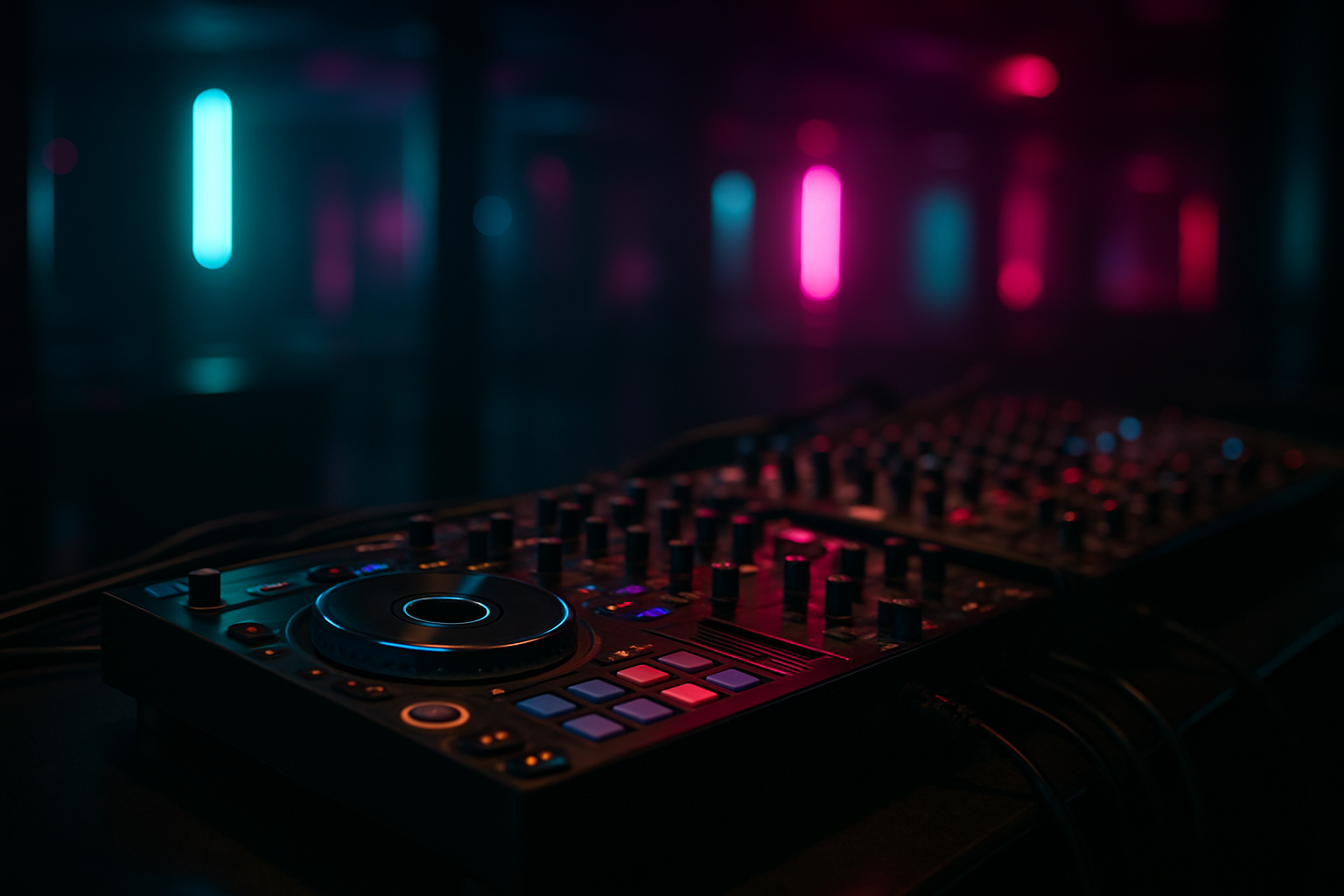
Understanding Your NeoDeck and Club Mixer Setup
The NeoDeck is a revolutionary addition to any DJ's arsenal, offering a compact and efficient solution for professional performances. With its fanless design and 10" IPS touchscreen display, it eliminates the need for a laptop in the booth. Before diving into the connection process, it's essential to understand the basic components you're working with. A club mixer, typically found at venues, is your main hub for controlling and mixing the audio signals from multiple sources like turntables, CDJs, or media players.
Gathering Necessary Equipment
To ensure a smooth connection between your NeoDeck and the club mixer, you'll need a few essential items:
- NeoDeck: Your portable DJ computer with built-in professional audio interface.
- Audio Cables: Typically, RCA or XLR cables depending on the mixer's available inputs.
- DJ Controller: If you're using one, make sure it's compatible with the NeoDeck via USB-C.
- USB-C Cable: For connecting the NeoDeck to your DJ controller or directly to the mixer.
Connecting the NeoDeck to the Club Mixer
Once you've gathered all necessary equipment, follow these steps to connect your NeoDeck to a club mixer:
- Power Up: Ensure your NeoDeck is fully charged or connected to a power source. Boot it up, which should take under 8 seconds.
- Connect the Audio Output: Use the built-in professional audio interface on the NeoDeck. Connect the Master output using RCA or XLR cables to the appropriate input on the club mixer.
- Monitor Setup: For booth or monitor output, connect the secondary output from the NeoDeck to the designated channels on the mixer.
- USB-C Connection: If you're using a DJ controller, connect it to the NeoDeck using the USB-C cable. The NeoDeck is plug-and-play with major controllers, ensuring seamless integration.
Configuring Software for Optimal Performance
The NeoDeck comes pre-loaded with DJ software on a custom Linux-based real-time OS. To ensure optimal performance:
- Software Settings: Launch the DJ software and navigate to the settings menu. Ensure the output routing matches your physical connections (e.g., Master Out routed to Mixer Channel 1).
- Latency Configuration: Adjust the audio buffer size for minimal latency without causing audio dropouts.
- Firmware Updates: Regularly check for updates to the NeoDeck's software to maintain compatibility and performance.
Troubleshooting Common Issues
Even with the best preparation, issues can arise. Here's how to handle common problems:
- No Sound: Verify all connections. Ensure the NeoDeck's volume and the mixer's channel volumes are appropriately set.
- Latency Issues: Try adjusting the buffer size in the DJ software settings. Ensure no additional background processes are running.
- Compatibility Problems: Double-check your controller's compatibility with the NeoDeck and ensure all firmware is up-to-date.
Pro Tips for a Smooth Setup
For a flawless DJ performance, consider these additional tips:
- Pre-show Check: Arrive early to test your setup before the crowd arrives. This gives you ample time to troubleshoot any issues.
- Cable Management: Use cable ties or clips to organize cables and prevent accidental disconnections.
- Backup Plan: Always have a backup USB stick with your track library in case of unexpected technical difficulties.
"The NeoDeck transforms the DJ booth by providing a dedicated, high-performance solution that keeps the focus on your craft, not your tech."
Conclusion
Connecting the NeoDeck to a club mixer is a straightforward process when you're well-prepared. By understanding your equipment, ensuring all software is configured correctly, and following these guidelines, you'll be ready to deliver an exceptional DJ set every time. Embrace the power of the NeoDeck to elevate your performances and simplify your booth setup.
Ready to upgrade your DJ setup?
Join thousands of DJs on the waitlist for NeoDeck — the purpose-built DJ computer.
Get Early Access