DJ Software Compatible with Standalone Computers
Discover the best DJ software compatible with standalone computers and enhance your DJing experience.
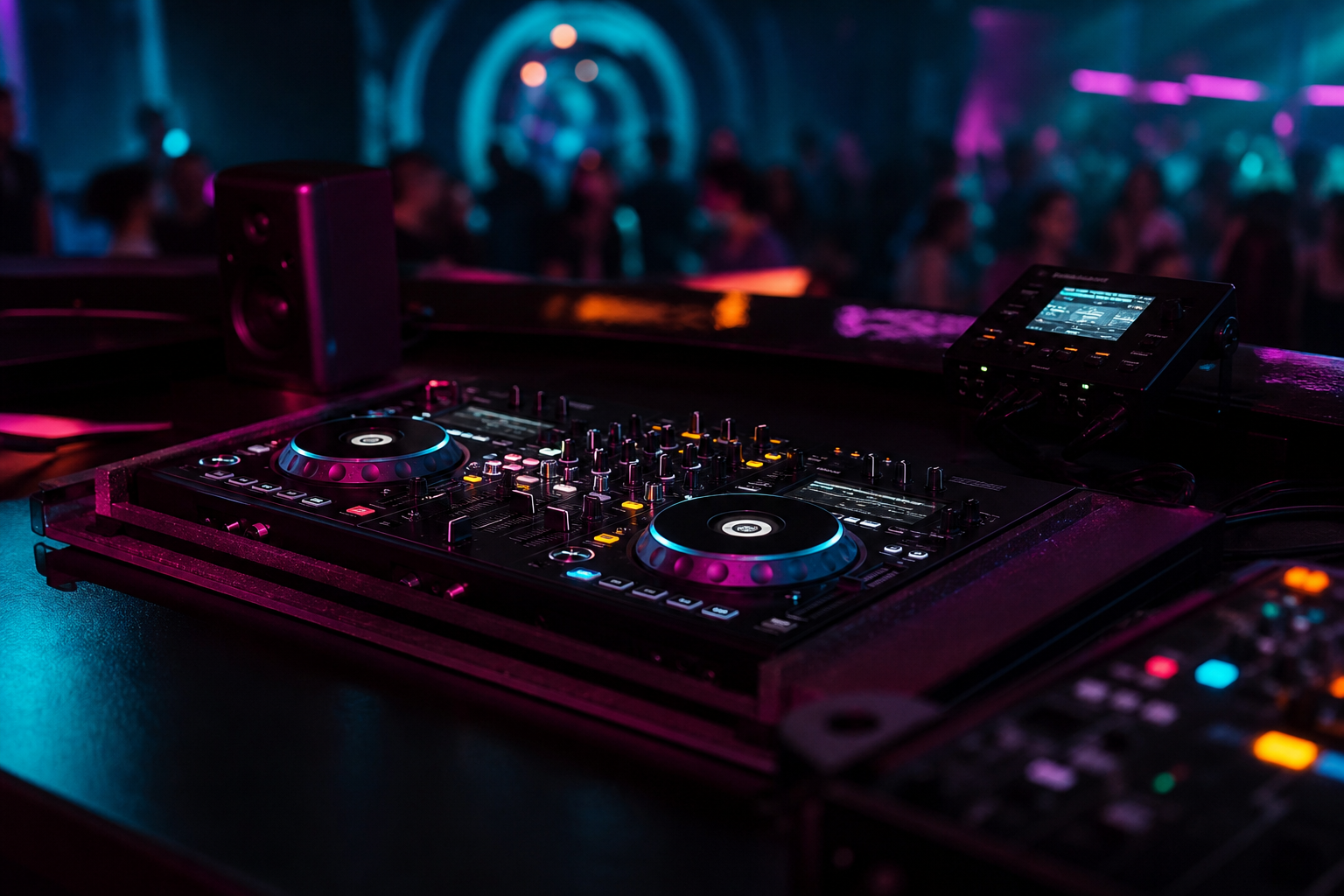
In the world of DJing, technology continues to evolve, offering new tools that make the art of mixing both more accessible and more sophisticated. One such innovation is the rise of standalone computers designed specifically for DJs. These systems eliminate the need for traditional laptops, offering a seamless, all-in-one setup for the modern DJ. This guide explores the top DJ software compatible with these cutting-edge standalone computers, providing insights into their features and advantages.
Understanding Standalone Computers for DJs
Standalone computers for DJs, like the NeoDeck, are purpose-built devices that integrate the core components necessary for DJing into a compact, efficient package. These devices often feature a touchscreen interface, built-in audio interfaces, and compatibility with a wide range of DJ controllers. By eliminating the need for a separate laptop, standalone systems enhance portability and reliability, making them a popular choice for both live performances and studio work.
Key Features of DJ Software for Standalone Systems
When selecting DJ software for a standalone computer, several factors should be considered to ensure optimal performance and functionality:
- Compatibility: The software should be easily integrated with various DJ controllers and hardware, offering plug-and-play ease.
- Performance: Look for software that is optimized for real-time performance, minimizing latency and maximizing responsiveness.
- Usability: A user-friendly interface is crucial, especially with touchscreen devices, to facilitate intuitive control over your music.
- Features: Advanced features such as beat matching, looping, effects, and sample triggering should be readily accessible and easy to use.
Top DJ Software Compatible with Standalone Computers
Below is a selection of leading DJ software applications that are compatible with standalone computers. These choices provide a range of functionalities suitable for both beginners and professional DJs.
1. Serato DJ Pro
Serato DJ Pro is renowned for its reliability and wide range of features. With its powerful performance capabilities, Serato is a preferred choice for many professional DJs. The software supports a variety of DJ controllers and mixers, ensuring seamless integration with standalone systems like the NeoDeck.
2. rekordbox DJ
Developed by Pioneer DJ, rekordbox DJ is another popular software choice, known for its robust feature set and intuitive interface. It offers advanced track analysis, beat sync, and a comprehensive library management system, making it ideal for use with standalone computers.
3. Traktor Pro 3
Native Instruments' Traktor Pro 3 is a powerhouse in digital DJing, offering a customizable interface and a suite of professional-grade features. Its compatibility with a wide range of hardware makes it a versatile option for DJs using standalone systems.
4. Virtual DJ
Virtual DJ is a versatile software solution that caters to a broad spectrum of DJs, from beginners to seasoned veterans. Its ability to mix video and audio seamlessly, combined with a host of innovative features, makes it a strong contender for standalone setups.
Advantages of Using Standalone Computers with DJ Software
The integration of DJ software with standalone computers presents several advantages:
- Portability: With everything built into a single device, DJs can travel lighter without sacrificing functionality.
- Reliability: Standalone systems like the NeoDeck are designed for performance stability, reducing the risk of crashes during sets.
- Efficiency: Quick boot times and streamlined interfaces mean less setup time and more focus on the music.
- Professional Audio Quality: Built-in professional audio interfaces ensure superior sound quality, essential for live performances.
Practical Tips for DJs Using Standalone Systems
To maximize the potential of your standalone DJ computer, consider these practical tips:
- Regular Updates: Keep your software updated to take advantage of new features and improvements.
- Optimize Your Library: Organize and analyze your music library to ensure quick access to tracks during gigs.
- Backups: Regularly backup your system and music library to prevent data loss.
- Familiarize with Features: Spend time exploring all the features of your software to utilize its full potential during performances.
Conclusion
As the DJ industry continues to embrace technological advancements, standalone computers like the NeoDeck are paving the way for a new era of DJing. By selecting the right software and optimizing your setup, you can enhance your performance and enjoy a more streamlined, reliable DJ experience. Whether you're a seasoned professional or new to the scene, integrating a standalone system into your setup could be the key to unlocking new creative possibilities.
Ready to upgrade your DJ setup?
Join thousands of DJs on the waitlist for NeoDeck — the purpose-built DJ computer.
Get Early Access