Booth Footprint: NeoDeck vs a Full Laptop Rig
Discover how NeoDeck's compact design optimizes DJ booth space compared to bulky laptop setups.
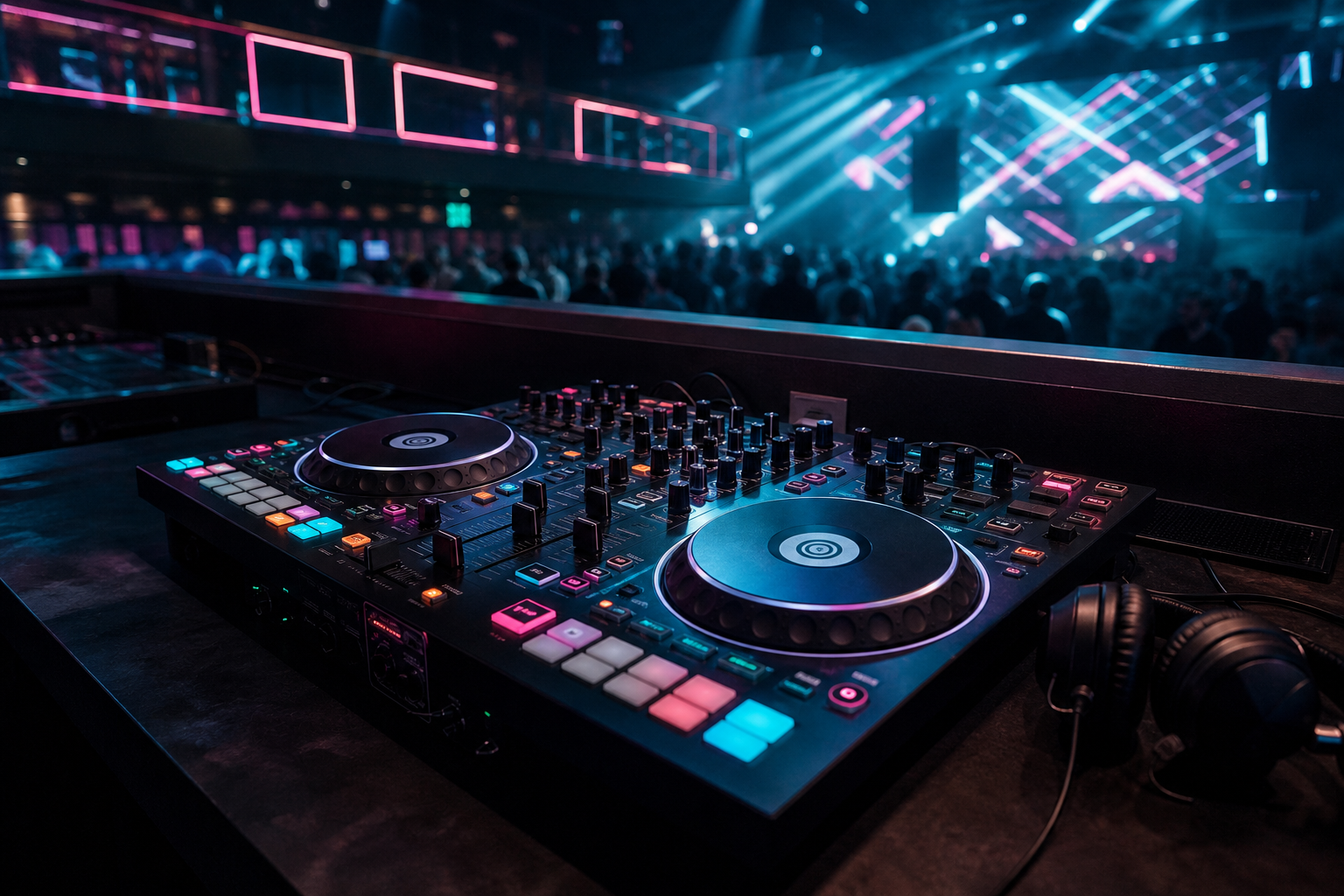
In the dynamic world of DJing, booth space is a premium commodity. With the advent of technology, DJs are continually seeking ways to streamline their setups without compromising on performance. Enter the NeoDeck, a revolutionary mini-computer designed to replace traditional laptop rigs in DJ booths. This article explores the differences in booth footprint between the NeoDeck and a conventional laptop setup, offering practical insights for DJs who prioritize space efficiency.
The Traditional Laptop Setup
A typical DJ booth featuring a laptop setup is often characterized by a laptop, external audio interfaces, and various cables that connect to DJ controllers. This setup, while functional, comes with its challenges:
- Space Consumption: Laptops are generally accompanied by additional hardware, such as power supplies and audio interfaces, which can clutter the booth.
- Cooling Fans: Laptops require active cooling, meaning they are equipped with fans that can introduce unwanted noise into the booth.
- Setup Time: Booting up and configuring multiple devices can take time, which is precious during live performances.
NeoDeck: A Compact Revolution
The NeoDeck offers a refreshing alternative with its ultra-compact design. Here's how it stands out:
- Minimal Footprint: With a 10" IPS touchscreen display and fanless design, NeoDeck significantly reduces space usage in the booth, allowing for a cleaner and more organized setup.
- Silent Operation: The fanless, passively cooled system ensures silent operation, eliminating the distraction of ambient noise.
- Fast Boot-Up: NeoDeck boots in under 8 seconds directly into DJ software, streamlining the setup process and allowing DJs to focus on their performance.
Setting Up: NeoDeck vs Laptop
When it comes to setup, the NeoDeck is a game-changer. Here's a step-by-step comparison:
- NeoDeck: Simply connect your DJ controller via USB-C and power on the device. The system is pre-loaded with DJ software, requiring no additional setup.
- Laptop: Connect the laptop to power, link it to an external audio interface, and connect the DJ controller. Boot up the laptop, launch the DJ software, and configure audio settings.
With NeoDeck, the streamlined setup means less time fiddling with equipment and more time enjoying the music.
Performance and Reliability
While space efficiency is a significant advantage, performance and reliability are equally crucial. The NeoDeck excels here as well:
- Custom OS: The NeoDeck runs on a custom Linux-based real-time operating system, optimized for DJ performance and low latency.
- Integrated Audio Interface: Featuring dual stereo outputs for Master and Booth/Monitor, NeoDeck eliminates the need for external audio interfaces.
- Compatibility: NeoDeck is USB-C plug-and-play with major DJ controllers, ensuring seamless integration into various setups.
Practical Tips for DJs
For DJs contemplating a shift from a laptop to NeoDeck, consider these practical tips:
- Assess Your Booth Space: Evaluate the available space in your typical venues to determine if NeoDeck's compact design would be beneficial.
- Test Compatibility: Ensure your current equipment is compatible with the NeoDeck. Most major brands like Pioneer, Denon, and Numark are supported.
- Pre-order Consideration: With NeoDeck available for pre-order, early adopters can benefit from the Early Bird pricing.
Conclusion
The NeoDeck presents a compelling case for DJs seeking to optimize their booth footprint without sacrificing performance. Its compact design, silent operation, and efficiency make it a worthy contender against the traditional laptop setup. As DJ technology continues to evolve, embracing innovative solutions like NeoDeck can enhance both the DJing experience and the overall aesthetic of the booth.
Ready to upgrade your DJ setup?
Join thousands of DJs on the waitlist for NeoDeck — the purpose-built DJ computer.
Get Early Access